T-BOX update V6.25

T-BOX update V6.25
What is New -
1.Update The MTK platform
V5.3J1 Add the boot 4/6 file for the 6235 ncryption method,
add the boot 7 file in support of more flash
V5.3g 1.Update the writing NV bug
2.Add 6235/6253 ncryption method

2.Update The SPD platform
5.04Fฃบ1.Add the new flash support.
2.Modify search password algorithms.
5.04Eฃบ1.Update the 6600L reading.
2.Add the method of clearing the xijin code.
5.04DฃบAdd the new flash support.
5.04Cฃบ1.Add the new flash support.
2.Add the 6600L writing IMEI .

3.Add the English CDMA platform
2011.3.2_T-BOX.V6.25.exe

Readmore..

How to Update iPhone 4 to 4.3.1 With Preserving 01.59.00 Baseband

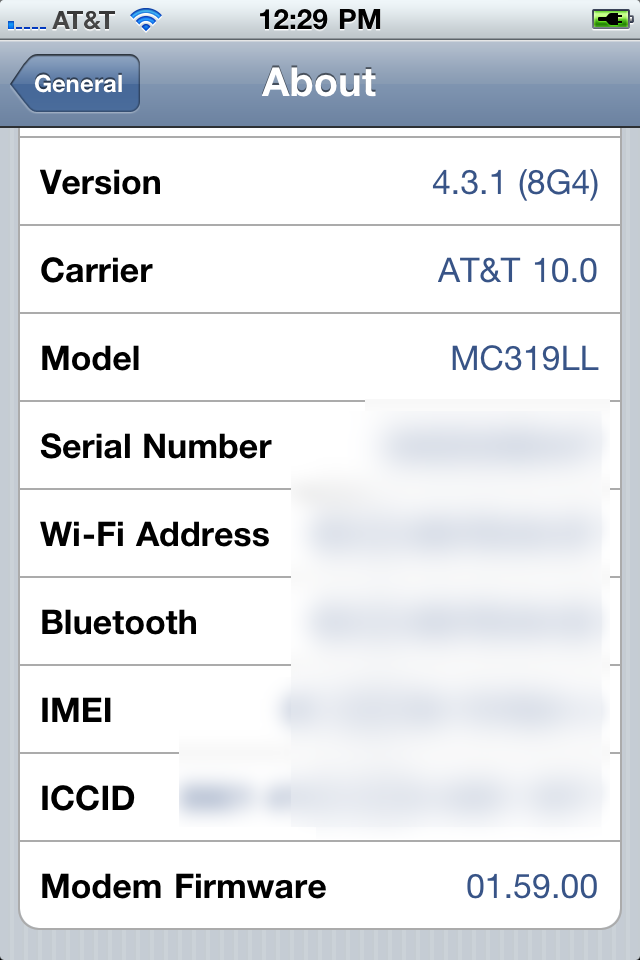
You can follow this guide to update your iPhone 4 to iOS 4.3.1 without updating to the new baseband, you will preserve the unlockable baseband 1.59.00 to be able to unlock your iPhone 4 with ultrasn0w 1.2.


Note: This ONLY Works with the iPhone 4!

Step 1: Download TinyUmbrella from here Also make sure to download the iPhone 4 iOS 4.3.1 which you can findhere.


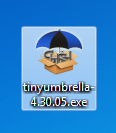
Step 2: Double click the downloaded TinyUmbrella.exe file.


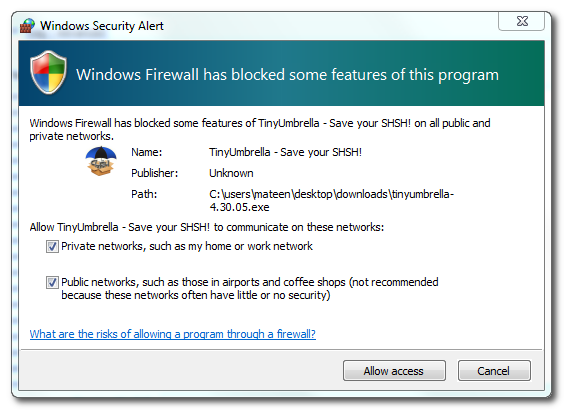
If you get a Windows Firewall notification, check both boxes and click Allow Access.


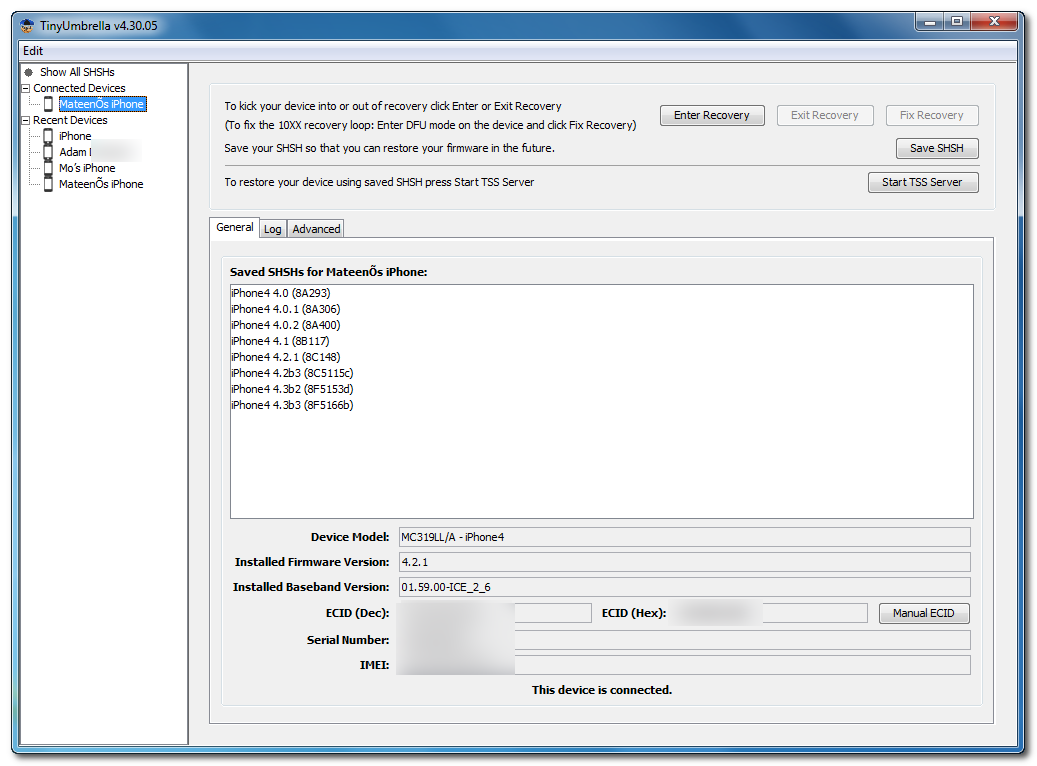
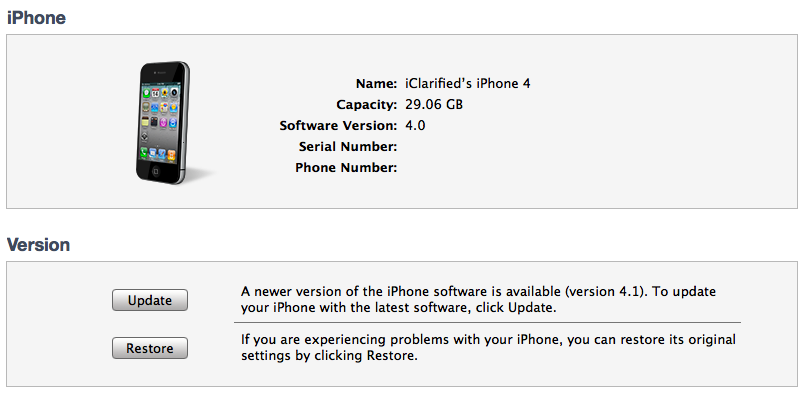
Step 3: Make sure the device is connected, and Umbrella has detected the type of device and its firmware.

undefined

**If you haven't already saved your iOS 4.3.1 SHSH blobs then click "Save SHSH". Make sure they successfully save before continuing.


Step 4: Hit "Start TSS Server" and make sure you receive no errors.

Once The TSS Server is "running" successfully, umbrella will kill iTunes. Leave TinyUmbrella Open. You can double check to see if the TSS server is running under the Log tab.


If you do receive an error, DO NOT continue. Your restore will not work if the TSS server cannot be started. 

Step 5: Open iTunes by doubling clicking its icon.

Hold down the Shift key and click Restore


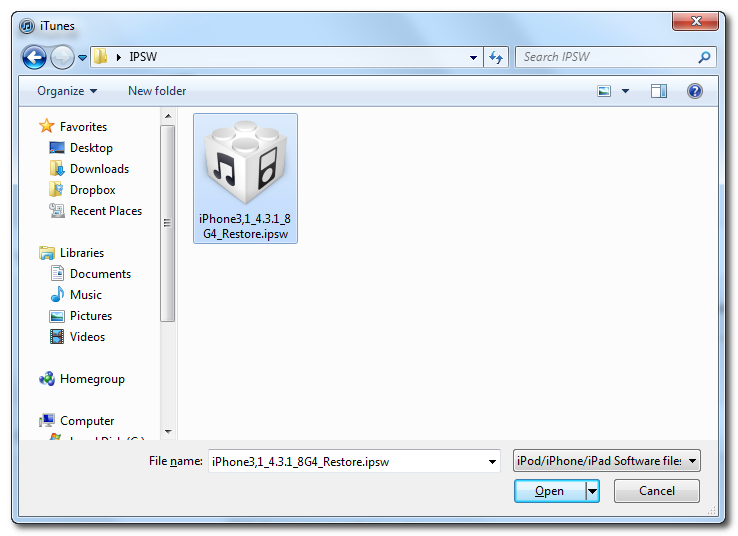
Select your iPhone 4.3.1 firmware file from the popup window that appears and click Open.

undefined

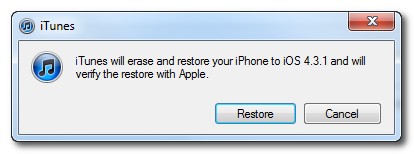
Click Restore to begin restoring your device.


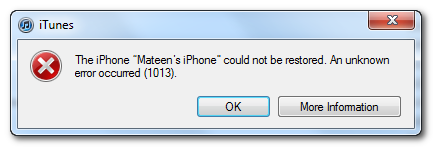
Step 6: iTunes should give you error 1013. This is what we wanted, as it notes the baseband has not updated :) Click Ok and close iTunes.


If you get a 16XX error then try entering DFU and go to step 5.
If your restore does NOT end in a 1013, it means your baseband was updated. This is likely because you did not have the TSS server running OR you updated without TinyUmbrella OR you are working with a device OTHER than iPhone 4.


Step 7: Place your iPhone into DFU mode by holding down both the Power and Home buttons for ten seconds, then release the Power button and continue holding the Home button for another 5 seconds. 


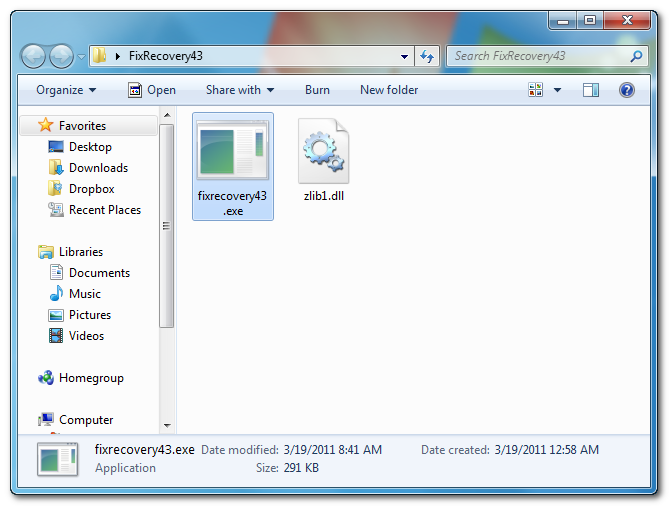
Step 8: Fix Recovery in TinyUmbrella is currently not working. Download this standalone .exe file to fix recovery on 4.3.1. Extract the file and double click on fixrecovery43.exe. A command prompt will open, and the program will go through the process. During this time, you will notice scrolling text on your iPhone 4.


Thanks to iClarified & Semaphore

Step 9: Your iPhone will now be on 4.3.1 with the 1.59.00 baseband! (Which means you can now unlock using this tutorial)

undefined

Readmore..
 
free counters

Popular Posts

© Copyright 2010. yourblogname.com . All rights reserved | yourblogname.com is proudly powered by Blogger.com | Template by o-om.com - zoomtemplate.com